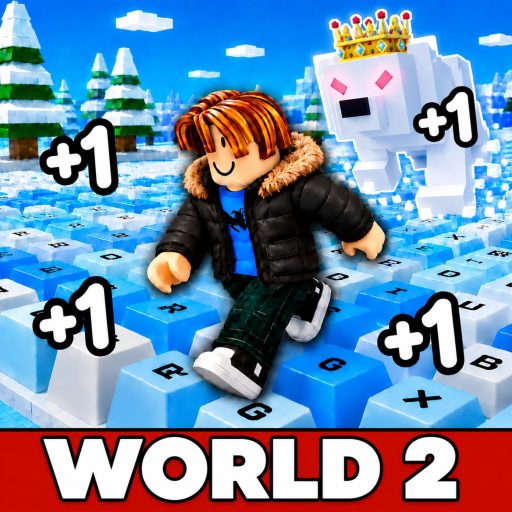
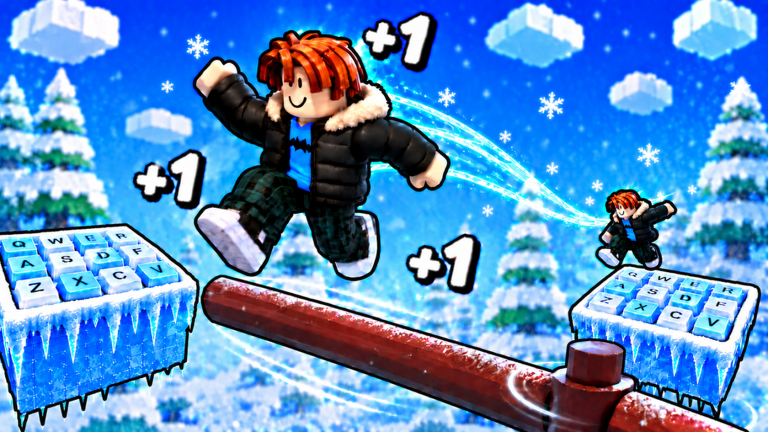
It is a Roblox incremental simulator by the group “+1 Speed Snow Keyboard Escape”, live since August 11, 2026. Every step you take across the course’s giant snowy keyboard keys adds +1 Speed to an accumulating total — and the official description sets the stakes in one line: “Speed is everything… but one wrong step and you start over.” Around that rule the game layers big multipliers to unlock, friends to play with, an ASMR-soft winter soundtrack, and a leaderboard race to be the fastest on the server. World 2 (announced live by the creator) added new arenas, locations and an Item Shop; the listing title carried rotating boost tags such as [X10] through October 18, and has carried none since the October 23, 2026 update state — a removal the October 30 listing update did not reverse, and which the creator’s event page pairs with a Halloween Update of new Halloween items, UGC and a treadmill.
This site is the measured companion to that loop. Snow Keyboard Tools is an independent fan resource with two planners that work from your own numbers — the Speed Calculator turns a timed gain sample into time-to-target, and the Wins Planner turns your observed run rewards into attempts and minutes. The guides cover the three decisions that change results (a first run, jump control, whether to Rebirth), and the wiki explains the counters and boost labels visible in gameplay. Every data page names its sources and its check date; the latest full check ran November 3, 2026, when the official listing showed no [X] prefix, about 553 players in-game, and its most recent update timestamp (October 30) still had no published notes. The 32.0M+ visits come from the November 3 check; the 93.4% rating and 5.41-minute average session come from the October 3 checks.
Two things this site deliberately does not do: chase rumors and ask for logins. No source has documented a single working code for the game, so the codes page records that zero-code status with its full evidence trail instead of padding a list; and no tool here ever connects to a Roblox account — every estimate runs on numbers you type into your own browser.
Launched
August 11, 2026
Created by the Roblox group “+1 Speed Snow Keyboard Escape”. The games API recorded 32,044,428 lifetime visits and 30,487 up / 2,164 down votes at the November 3, 2026 check (its favorites field was omitted that day; trackers read about 1,397,000).
The official description: run and jump across snowy keyboard keys, unlock big multipliers, chase the server leaderboard — and one wrong step sends you back to the start.
The creator's event page announces new Halloween items, UGC and a treadmill; the [X10] title prefix was removed and stayed gone through the October 30 listing update — the seventh timestamp, still with no patch notes and no code announced. A third world appears in community tracking, still unofficial.